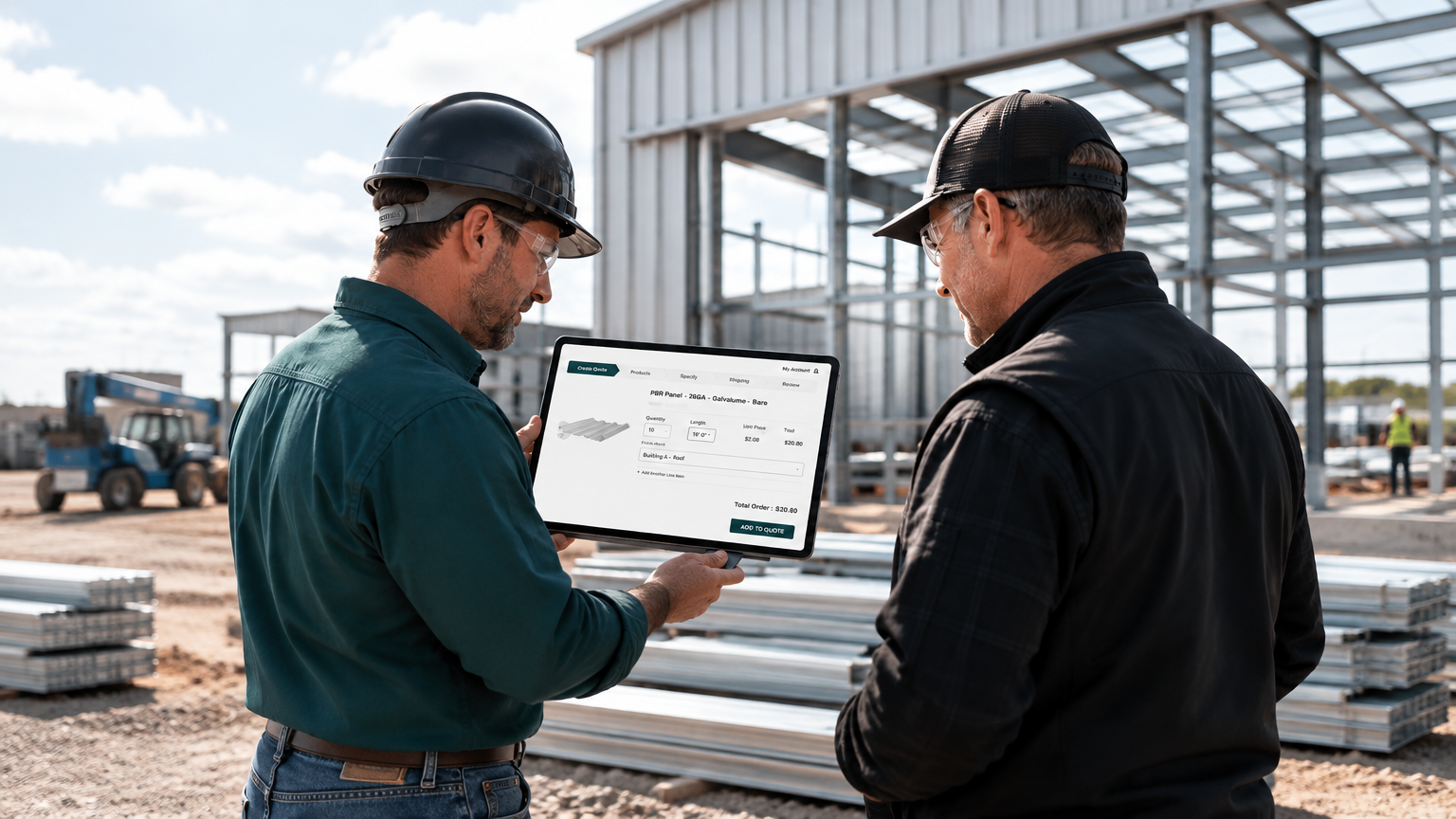
Create quotes and place orders
Build quotes and place orders at your convenience. Answer your customers’ requests faster.

Metroll Portal
Metroll customer portal
Create quotes, place orders, track order status and schedule pick-ups — all in one secure place.
What you can do
Handle routine account work on your schedule — no waiting for business hours.
Build quotes and place orders at your convenience. Answer your customers’ requests faster.
Intelligent Pricing adjusts your portal discount with order volume. It’s available only in the portal.
Is your order ready? In-progress orders show on their own tab. Once an order is completed, you can schedule a pick-up.
Choose a pick-up time and your order is staged before your driver arrives. No waiting for staging.
Your previous orders, invoices and quotes are loaded in one place. Pay invoices from the same account.
Select the “i” icon beside a product to see its details and specifications.
Order pick-up
Schedule completed orders before you send your driver. We stage the order for the appointment time.
Metroll emails you when your order is ready for pick-up.
Log in to the portal, go to My Account and select Completed Orders.
Choose the completed order your driver will collect.
Submit your preferred pick-up appointment.
Your driver gives the order number at the Check-In window. The order is staged and ready to load.
Payment methods
Check fees and processing time before you choose a payment method.
Choose credit card when you pay in the portal. Additional security checks protect the transaction.
Choose ACH in the portal and follow your bank’s verification steps. A text message may be required.
Not available in the portal yet. Send payment to zellepay@fontana.metroll.com — Metroll appears as Buildmat Plus.
Metroll also accepts cash, wire transfer and cashier’s checks. Ask the sales team about credit terms.
Portal-only inventory
Clearance products are available when you create a new order in the portal. They don’t appear in quotes.
Contact us
Found an error in the Metroll Portal? Tell us so we can fix it. Can’t find something, or have a suggestion? We’re here to help.